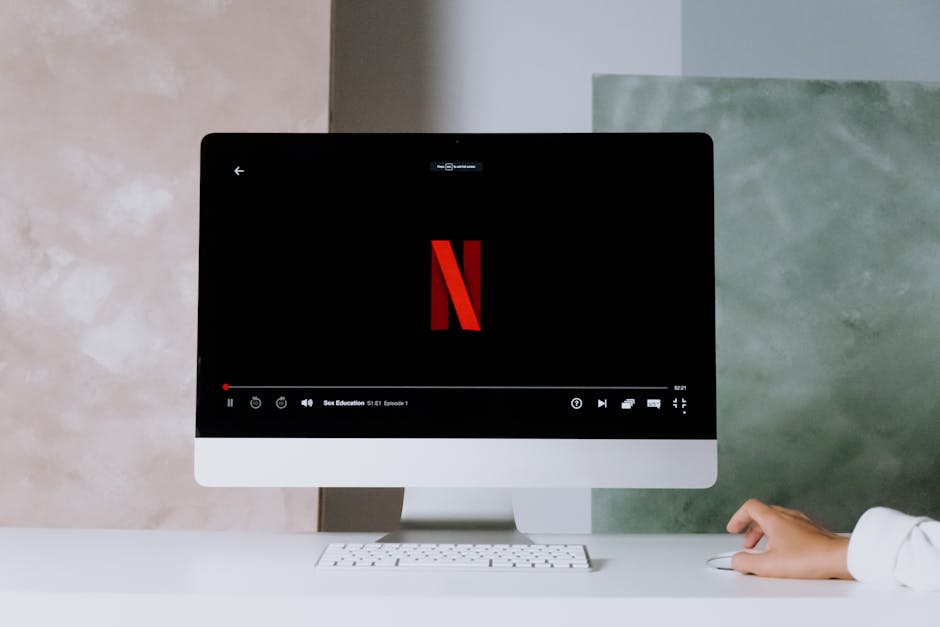
Turn Your Home Office Desk Into a Movie Night and Streaming Setup
Setup Your Desk Editorial
Updated October 31, 2026
Quick Answer
To turn a work desk into a good movie spot, sit a little further back, switch the monitor to a movie or cinema picture mode, add decent speakers or headphones, use soft bias lighting behind the screen, and make your chair recline or add a footrest. Keep work and entertainment separate with a second browser profile or user account.
Your work desk can double as a great movie and streaming spot. Monitor settings, sound, lighting and comfort upgrades that work for both.
Why the desk is a good place to watch
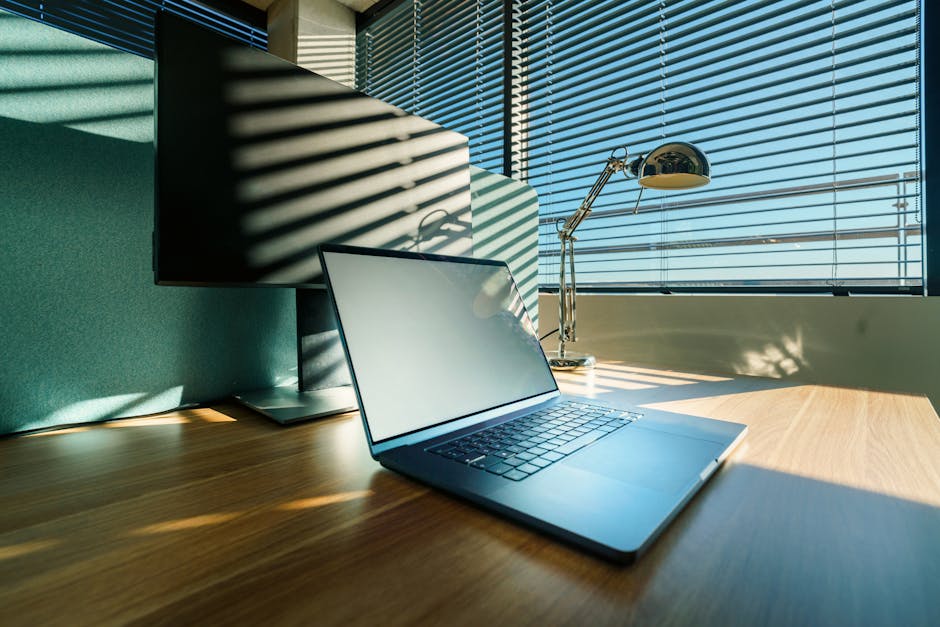
Photo by Jakub Zerdzicki on Pexels
If you work from home, your desk probably already has your best screen, a comfortable chair and a fast connection. With a few tweaks it becomes a solid place for films, series and sport, especially in a small flat where the desk is the only screen setup.
The goal is a setup that switches between work mode and relax mode in seconds, without rebuilding anything.
Monitor settings that make films look better
Most monitors ship in a bright, cool mode designed for office work. For films, switch to a cinema, movie or sRGB mode, lower brightness a little in a dark room, and turn off any dynamic contrast that makes dark scenes pump.
If your monitor supports HDR, try it for content that offers HDR, but many entry-level HDR monitors look better with HDR off. Trust your eyes.
- ✓Use a movie or sRGB picture mode
- ✓Lower brightness for evening viewing
- ✓Disable dynamic contrast and aggressive sharpening
- ✓Set colour temperature to warm or 6500K
- ✓Use a monitor arm to push the screen back for wider shots
Sound: the biggest upgrade

Photo by John Taran on Pexels
Built-in monitor speakers are almost always weak. A pair of compact desktop speakers or a small soundbar makes dialogue clearer and action scenes far more enjoyable. For late nights or shared spaces, good headphones do the same job without disturbing anyone.
If you use speakers, place them at ear height and angled towards you, with a little space from the wall.
Lighting for comfort
Watching a bright screen in a dark room is tiring. A soft light behind the monitor, often called bias lighting, reduces eye strain and makes blacks look deeper. Many smart light bars can switch between a bright working scene and a dim movie scene with one tap.
Comfort when work mode ends
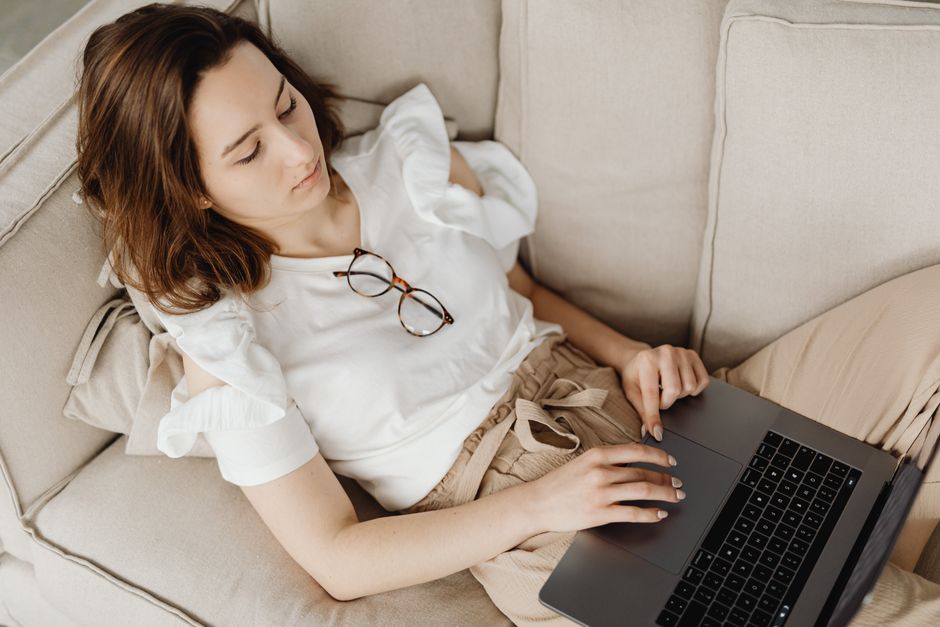
Photo by https://kaboompics.com/ on Pexels
Your ergonomic work posture is upright. For a two-hour film you want to lean back. A chair with a recline lock, a footrest and a small throw pillow are cheap ways to switch modes.
If you have a standing desk, lower it slightly below your usual sitting height and push the monitor back for a more relaxed viewing angle.
Keep work and play separate
Use a separate browser profile or user account for entertainment, so work tabs, notifications and logins stay out of the way. If the computer belongs to your employer, keep personal streaming on a personal device, and stick to legal streaming services: unofficial 'free' sites are full of malicious ads.
Your Questions Answered
Is a computer monitor good for watching movies?
Yes, especially with a movie picture mode, decent speakers and some bias lighting. A larger or wider monitor helps if you sit further back.
What is bias lighting?
A soft light behind the screen that reduces eye strain in dark rooms and makes the picture look more contrasty.
Should I watch movies on my work laptop?
If it belongs to your employer, keep personal streaming on your own device to avoid security and policy problems.
Advertisement
Sponsored: today's featured offer →Advertisement