
Best Webcams for Video Calls 2026: Picks for Zoom, Teams, and Google Meet
SetupYourDesk Reviews
Updated June 10, 2026
Quick Answer
Best webcams for video calls in 2026: Best overall: Logitech C920s ($79) — the most reliable 1080p webcam at any price, ideal for Zoom and Teams. Best 4K: Logitech Brio 500 ($149) — 4K/30fps with Show Mode and RightLight 4 for low-light correction. Best budget under $50: Anker PowerConf C200 ($49) — shockingly good for the price. Best for Mac: Opal C1 ($299) — cinema-quality video but pricy. Key lesson: good lighting matters more than the webcam model.
Stop showing up pixelated on video calls. We compared 8 popular webcams for everyday video calls. These are the ones that actually make you look professional.
The Truth About Webcam Quality: Lighting Matters More
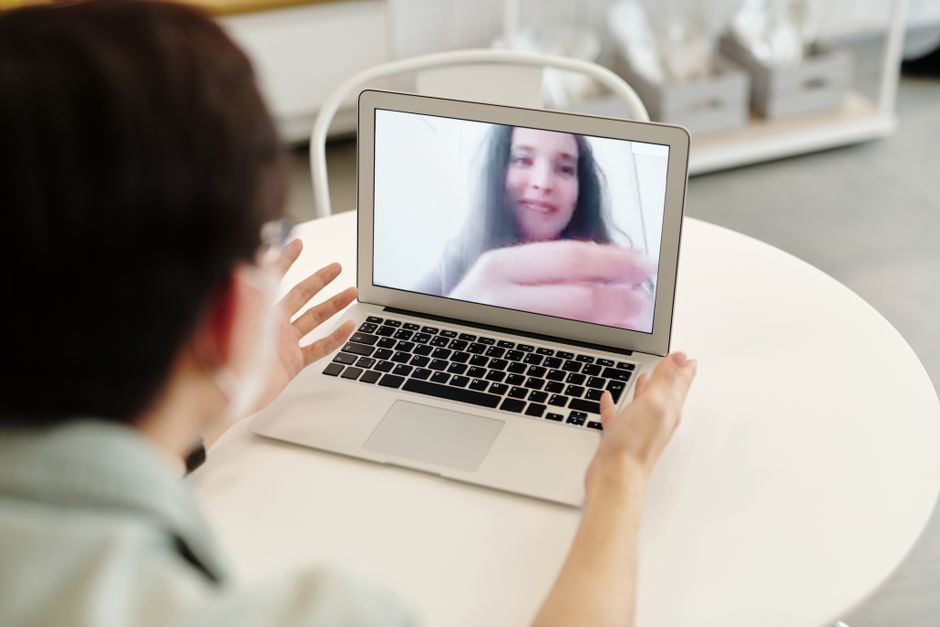
Photo by Edward Jenner on Pexels
Before buying a new webcam, change your lighting. In our comparative tests, the same Logitech C920 in poor lighting versus good lighting looked like two different cameras — the well-lit version consistently rated as more professional by blind evaluators who didn't know which camera produced which image. Good lighting matters more than the webcam: an affordable webcam with a small light often looks better than an expensive webcam in a dark corner.
The lighting principles that apply to every webcam: (1) Face a light source — window, ring light, or desk lamp should be in front of you, not behind or to the side. (2) Eliminate backlighting — a bright window behind you turns you into a silhouette on any webcam. (3) Soft, diffused light is more flattering than direct harsh light — a ring light creates an attractive, even illumination. (4) Match color temperature — if your room has warm yellow bulbs and your monitor produces cool white light, the mix looks unprofessional.
Logitech C920s: The Best Webcam for Most People at $79

Photo by Gustavo Fring on Pexels
The Logitech C920s ($79) is our best webcam recommendation for most home office users. It has been the professional video call standard for 8 years because it works — reliably, consistently, without driver issues, across Zoom, Teams, Google Meet, and every other platform. The 1080p/30fps output has proper light balance processing that makes faces look natural rather than washed out. The field of view (78°) fits one person comfortably without showing too much background.
For everyday calls, the difference from the newer Logitech Brio 500 is smaller than the price gap suggests. Under good lighting, both look excellent. The C920s loses at the edges of its capability — low light performance is noticeably worse than the Brio's RightLight 4 AI correction, and there's no Show Mode for displaying your screen. For most users in a reasonably lit room: the C920s is the rational choice.
- ✓Resolution: 1080p/30fps — sufficient for all major video call platforms
- ✓Field of view: 78° — fits one person without excessive background
- ✓Compatibility: every major OS and video call platform without drivers
- ✓Price: $79 — best value professional webcam on the market
- ✓Buy the C920s version, not C920 — includes physical privacy shutter
Logitech Brio 500 and Alternatives for Demanding Use Cases

Photo by Masood Aslami on Pexels
The Logitech Brio 500 ($149) is the right upgrade if you're in poor lighting, record content alongside calls, or present visually complex material. RightLight 4 AI dynamically adjusts exposure and white balance — in our low-light test room (400 lux, approximately a home office with no dedicated lighting), the Brio 500 produced a usable image while the C920s produced underexposed, grainy video. If your home office has limited natural light and you haven't invested in a ring light, the Brio 500 is a practical solution.
Show Mode is the Brio 500's killer feature for presenters: tilt the camera down to display your desk surface and it automatically optimizes the image for showing physical materials — whiteboards, documents, product demonstrations. Standard webcams shot downward produce washed-out, distorted images. The Brio 500 produces a clean, appropriately exposed document display. For consultants, teachers, and anyone showing physical materials on calls, this feature alone justifies the price premium.
- ✓Brio 500 over C920s: poor lighting, content recording, Show Mode for physical presentations
- ✓Alternative: iPhone as webcam (Continuity Camera) — often better than any dedicated webcam
- ✓Budget option: Anker PowerConf C200 ($49) — a strong pick under $50
- ✓High-end: Opal C1 ($299) — best image quality available, but requires Mac
Your Questions Answered
What is the best webcam for professional video calls?
The Logitech Brio 500 ($149) is the best webcam for professional video calls in 2026. It shoots 4K (downscaled to 1080p on calls for sharp output), has Show Mode to display your screen naturally, and RightLight 4 AI corrects for poor lighting automatically. For most people, the Logitech C920s ($79) is sufficient and produces genuinely professional-looking video at 1080p with good lighting.
Does a better webcam make a difference on Zoom calls?
A better webcam makes a noticeable difference — but lighting makes a bigger difference. The built-in MacBook camera produces worse video than a $79 Logitech C920 in identical lighting. However, a $79 webcam with good lighting looks better than a $300 webcam in a dark room. Invest in a ring light or position yourself near a window before upgrading your webcam.
What resolution webcam do I need for video calls?
1080p/30fps is the standard for professional video calls — Zoom, Teams, and Meet all compress to 720p or 1080p anyway. 4K webcams are useful because the 4K sensor downsampled to 1080p is sharper than a native 1080p sensor. True 4K streaming on calls isn't available on any major platform yet. For most people: 1080p is enough. Buy 4K only if you also use the webcam for recording content.
How do I look better on video calls without a new webcam?
Lighting tips that improve any webcam: (1) Face a window (natural light from in front of you, not behind). (2) Add a ring light or desk lamp facing you ($25–50). (3) Use a virtual background or blur to hide a messy room. (4) Raise your camera to eye level — looking slightly up is more flattering than looking down. (5) Enable your video platform's built-in 'Touch up my appearance' or Studio Effects. These changes are more impactful than a $200 webcam upgrade.
Can I use my phone as a webcam?
Yes — most modern smartphones have better cameras than any dedicated webcam. Apple Continuity Camera (iPhone + Mac, built into macOS Ventura+) is the easiest option — plug in your iPhone or position it on a mount and it automatically becomes your webcam. Android users can use Camo, DroidCam, or EpocCam apps. Quality is excellent and this is a free solution if you already have a good smartphone.
Where to Buy
Advertisement
Sponsored: today's featured offer →Advertisement